
Up or Down

Simple direction trading, built for speed

Pick Up if you expect the final price to finish higher, or Down if you expect it to finish lower. FlipX turns short-expiry direction markets into a cleaner mobile flow with target price, expiry, and sizing all in one place.

Trade Up or Down
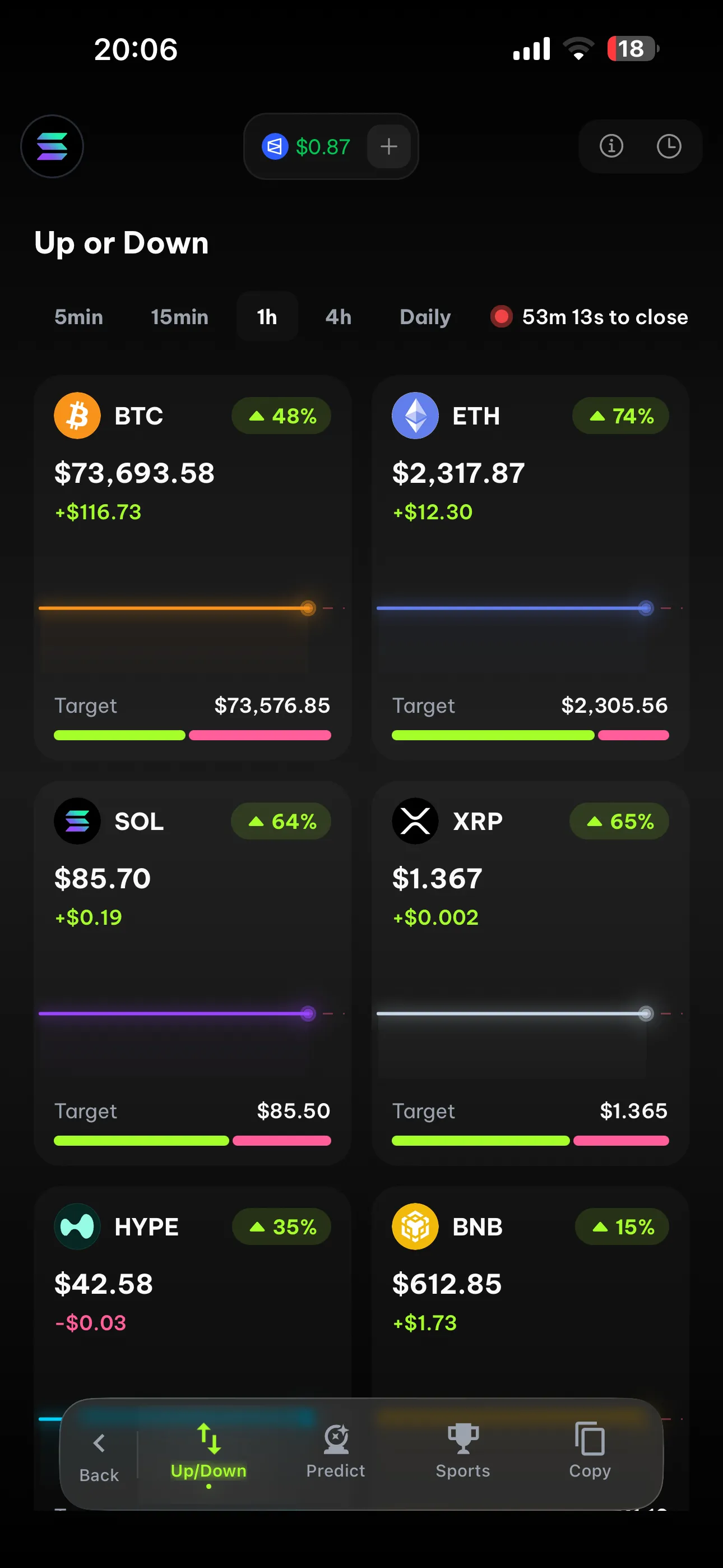
FlipX Up or Down trading interface on mobile screen 1
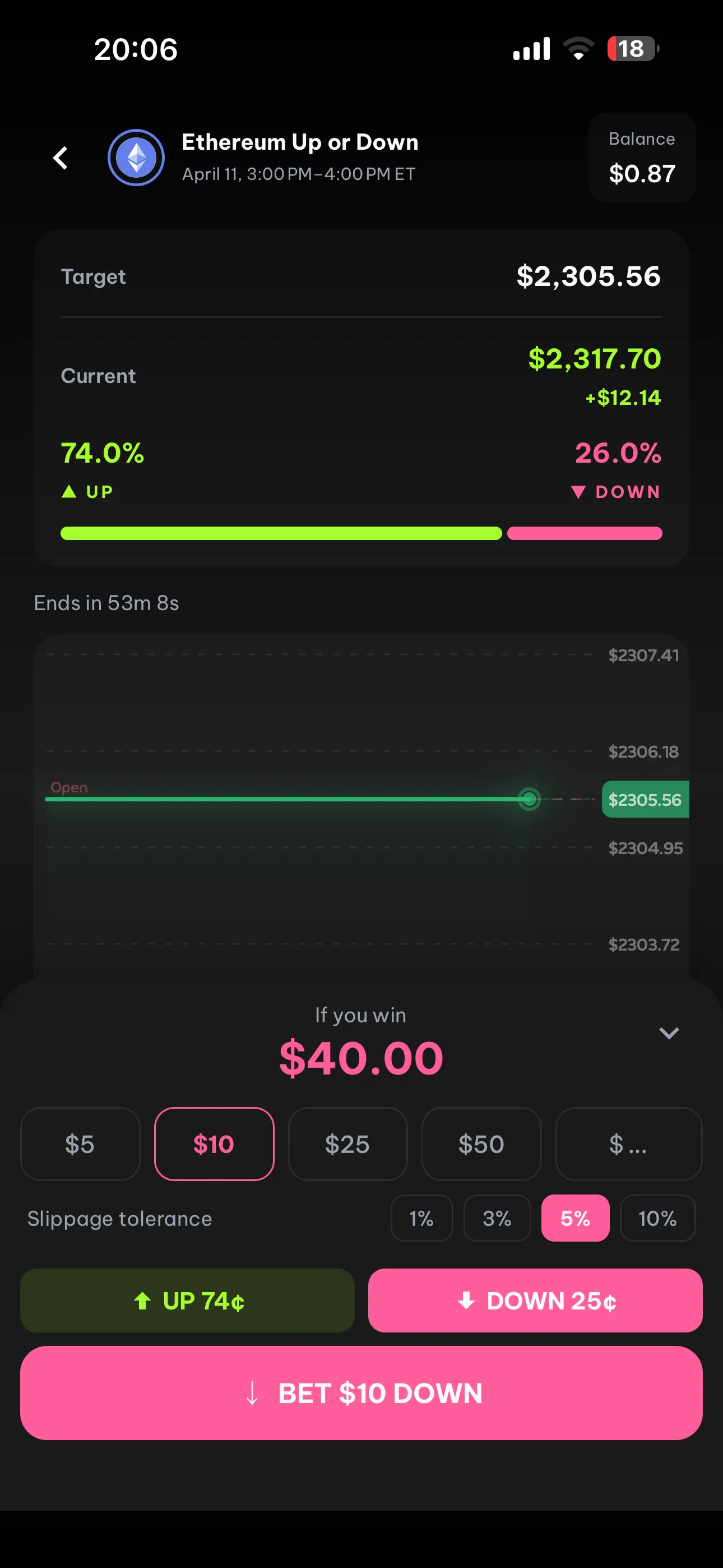
FlipX Up or Down trading interface on mobile screen 2
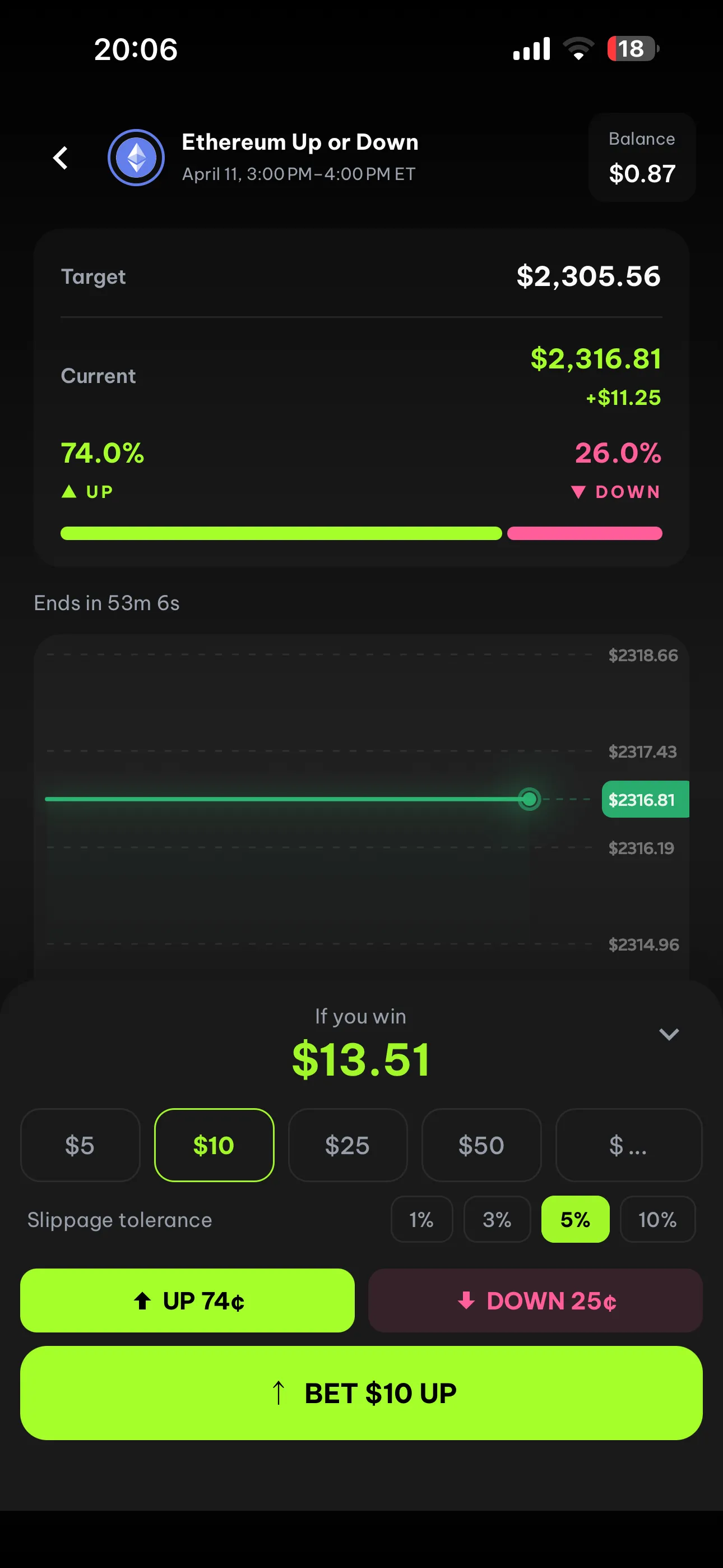
FlipX Up or Down trading interface on mobile screen 3
Reviewed for search accuracyUpdated 2026-04-11By FlipX Team

This page is written to explain how up or down works on FlipX using the live product flow shown on the site and app screens.

Short-Expiry Markets

Why Up or Down on FlipX feels easier to trade

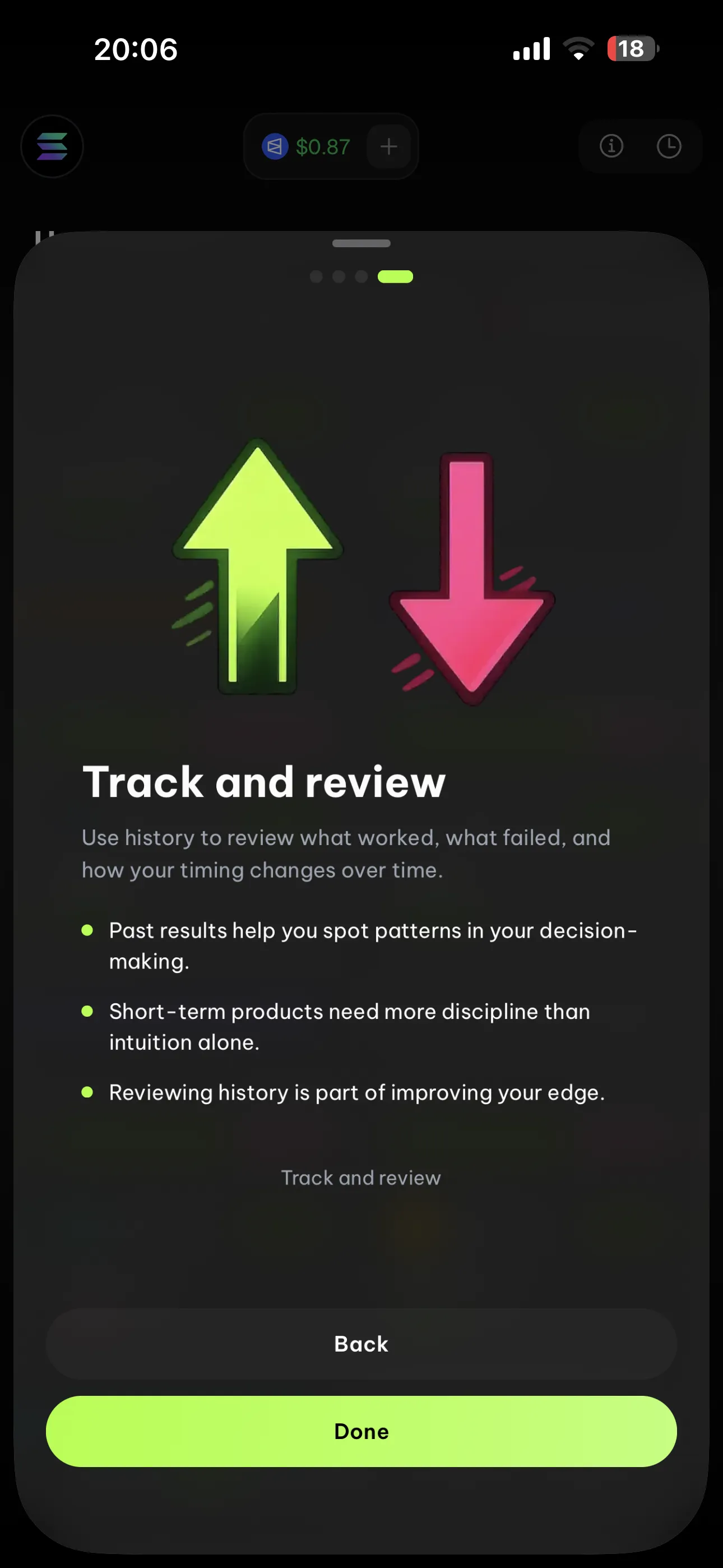
The product flow in the screenshots is clear: learn the format, choose your side, size the position, and review the result after expiry.

A simpler prediction format

Up or Down strips the decision down to direction. Users focus on whether the final price ends above or below a target instead of managing a full order book.

Decision Model
QuestionAbove or below?
Target priceFixed
ExpiryClear timer

Target, timer, and odds are visible

Each market shows the target price, current price, expiry countdown, and implied Up/Down split so users can understand the setup before acting.

Market Snapshot
Current priceLive
Target + expiryVisible
Up / Down splitPre-trade context

Short timeframes reward clarity

The onboarding screens emphasize that faster markets move more aggressively and timing matters more. FlipX frames the product around that reality instead of pretending every setup is the same.

Setup Quality
Asset mattersYes
Timeframe mattersYes
Faster marketsMore aggressive

Fast sizing and clear review

Quick size buttons, slippage settings, and history review make the flow easier to learn. The product is structured for repetition, pattern review, and timing improvement over time.

Execution Flow
Quick sizes$5 / $10 / $25
SlippageAdjustable
Review historyBuilt in

How Up or Down works on FlipX

Learn the format, choose your side, pick the setup that fits the context, and review what worked after the market closes.

Learn the Up or Down format in FlipX

Web Trading Terminal

Review more setups on a bigger screen.

Use FlipX web when you want more room to scan assets, compare target levels, and review short-expiry setups while keeping the same product logic.

FlipX web
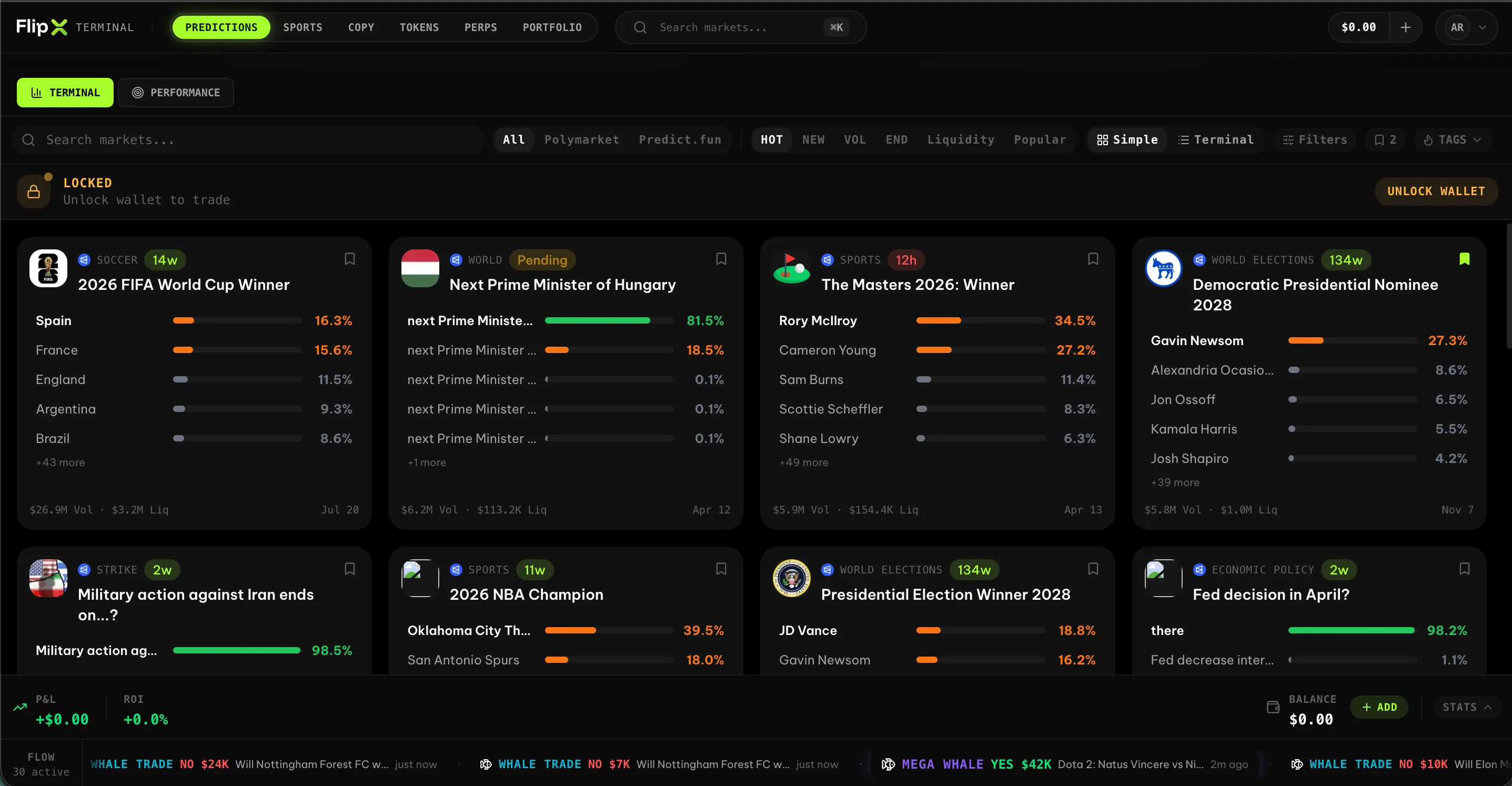
FlipX desktop interface for prediction-style trading and market review screen 1
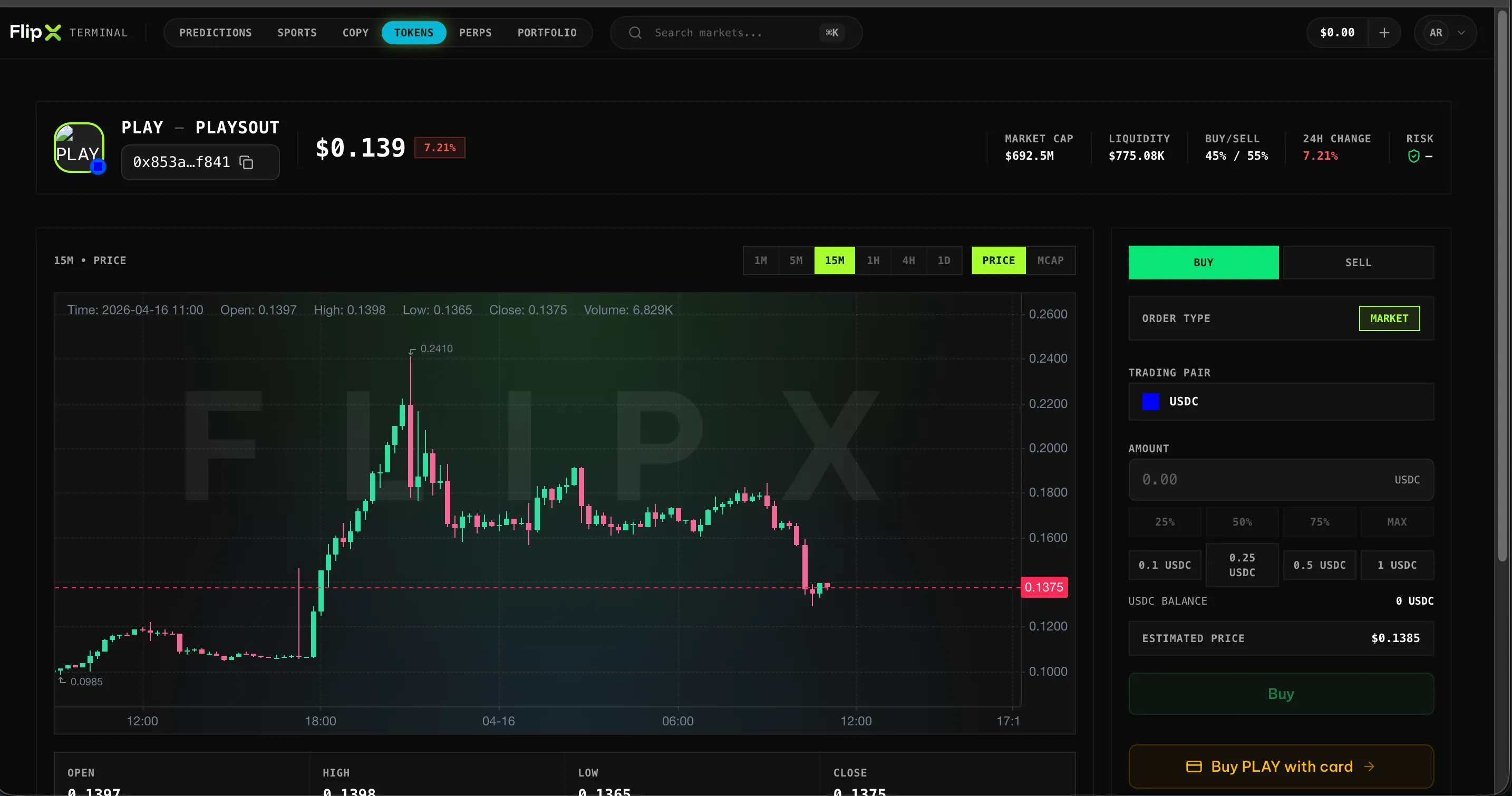
FlipX desktop interface for prediction-style trading and market review screen 2
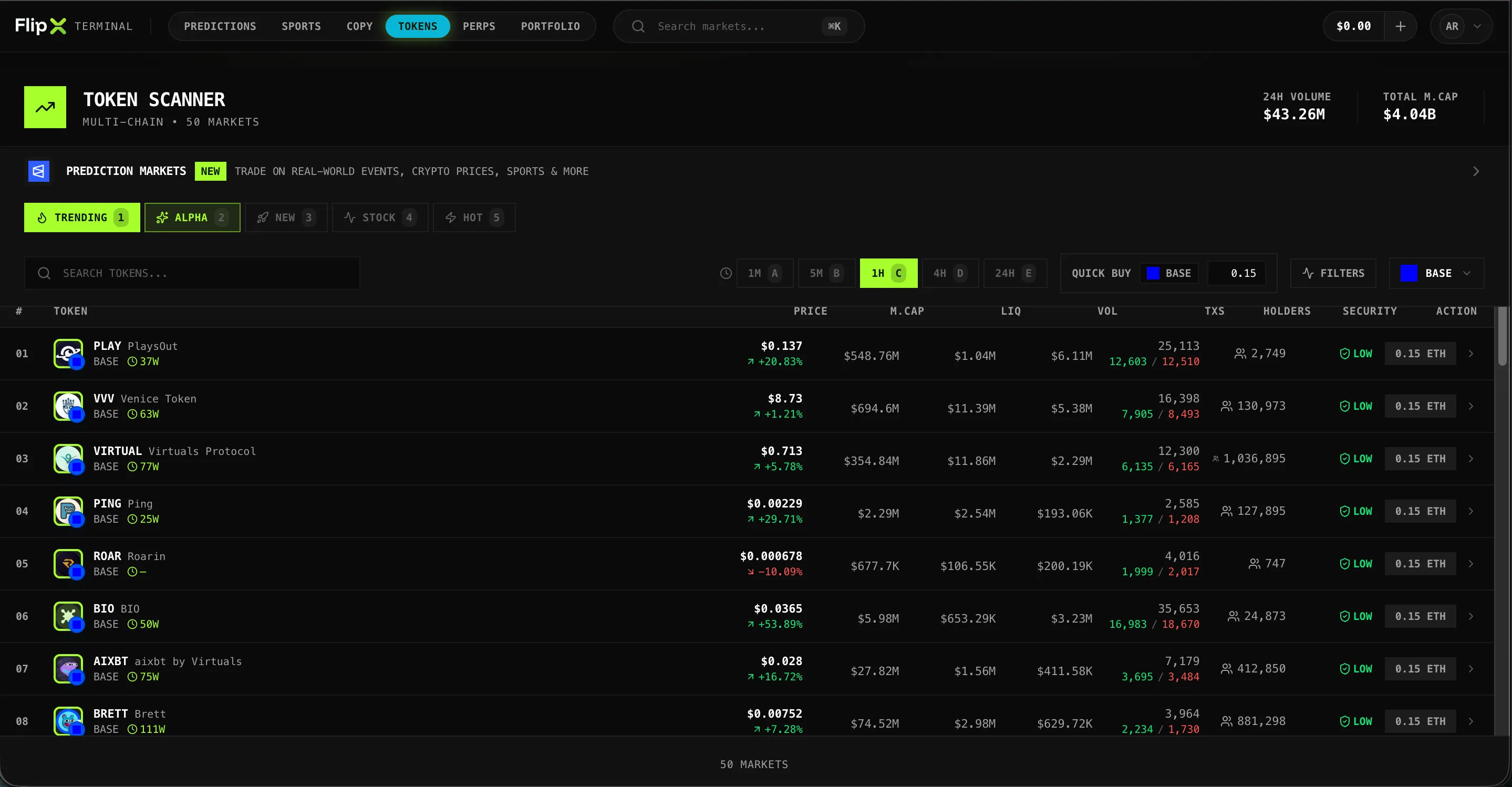
FlipX desktop interface for prediction-style trading and market review screen 3
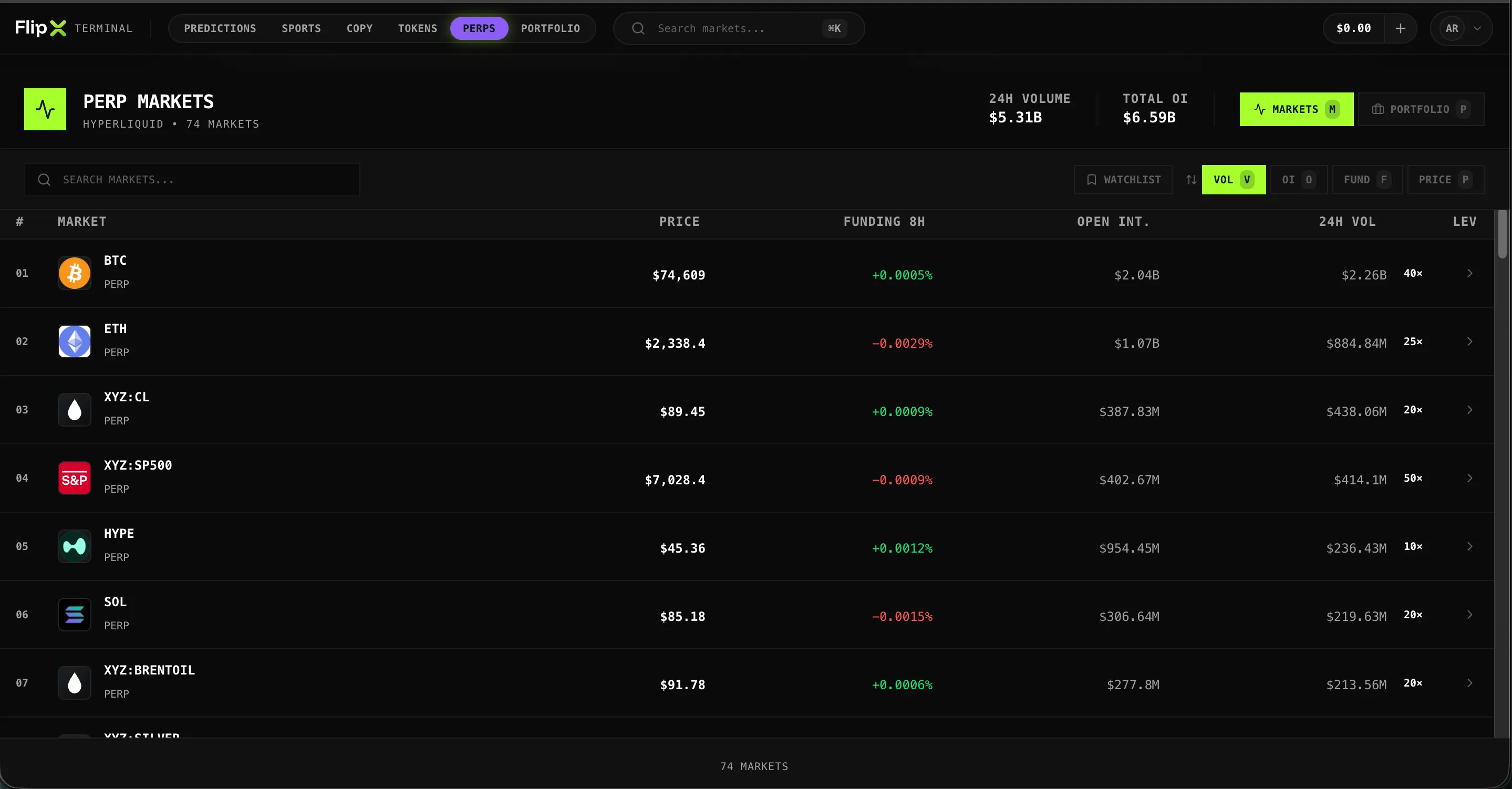
FlipX desktop interface for prediction-style trading and market review screen 4

Up or Down FAQ

Everything you need to know about up or down on FlipX

Still have questions? Contact our support team