Browse vaults, compare APR, TVL, Sharpe, and risk, then allocate capital through a cleaner mobile flow. FlipX makes vault discovery easier for users who want structured exposure without monitoring every trade manually.
Reviewed for search accuracyUpdated 2026-05-02By FlipX Team
This page is written to explain how vaults works on FlipX using the live product flow shown on the site and app screens.
Vault Strategies
Why vaults on FlipX are easier to evaluate
The vault flow in the app is built around comparison and clarity: understand what a vault is, compare the metrics, then allocate only when the profile fits your goals.
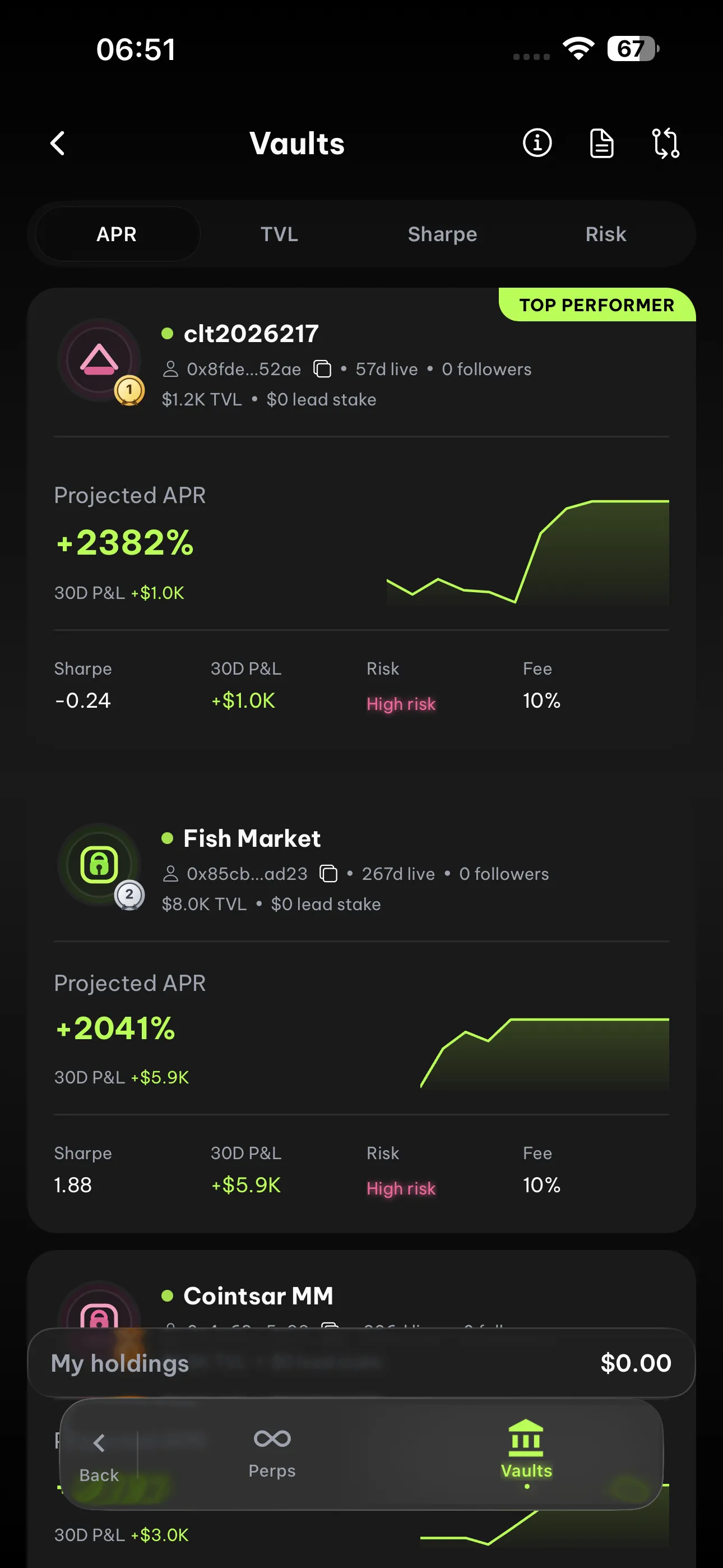
Browse a clear vault leaderboard
Vault cards surface projected APR, 30-day P&L, Sharpe, risk score, fee, TVL, and live followers so users can review top strategies without digging through raw on-chain noise.
Vault Leaderboard
Projected APRVisible
30D P&L / TVLVisible
Risk / FeeVisible
Compare vaults side by side
FlipX makes comparison a first-class action. Users can line up APR, TVL, risk, risk tier, Sharpe ratio, commission, age, and 30-day P&L before allocating.
Vault Comparison
APR / TVLVisible
Sharpe / RiskVisible
Fees / Age / P&LVisible
Risk-aware, not just yield-chasing
The onboarding flow emphasizes why vaults are useful, how they work, and how risk should be reviewed before allocating. That is a stronger trust signal than only showing return numbers.
Before You Allocate
APRCheck first
TVL / SharpeCompare
Risk scoreReview
Track allocations in one place
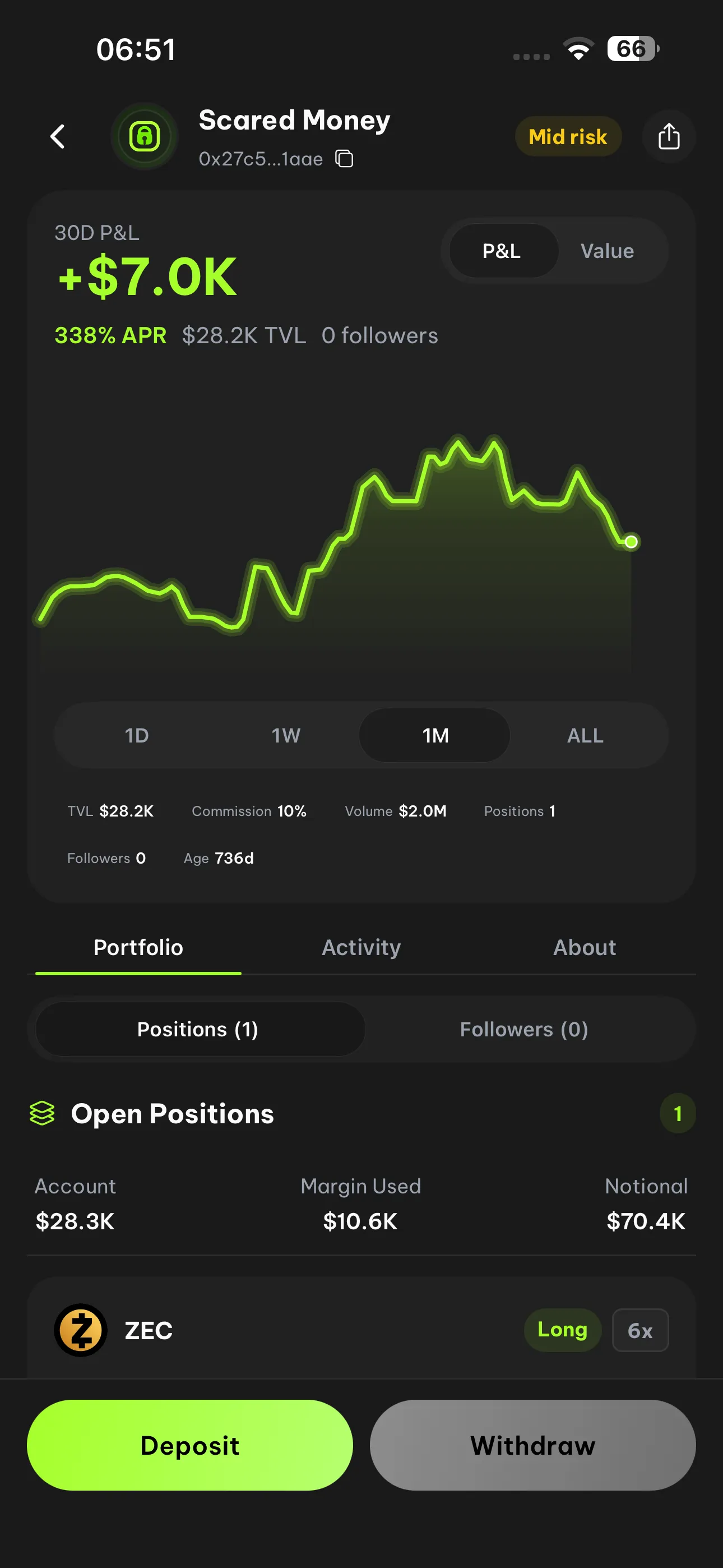
FlipX keeps active allocations, lock status, and equity visible from the vault dashboard so users can monitor how positions evolve over time after they deposit.
Vault Dashboard
Active allocationsVisible
Lock statusVisible
Equity trackingVisible
How vaults work on FlipX
Understand the vault model, compare options, fund your allocation, and track performance from the same mobile flow.
Web Trading Terminal
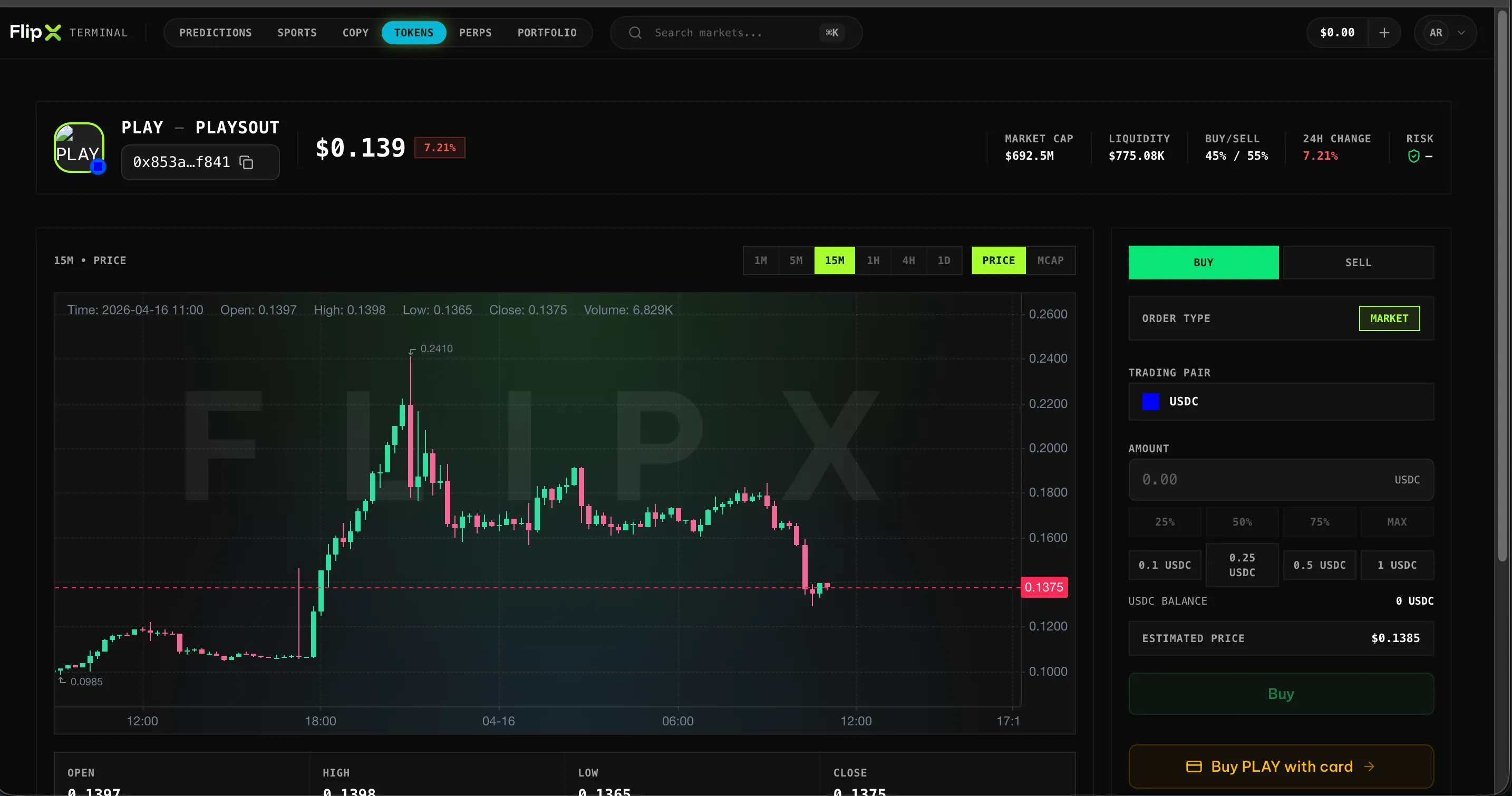
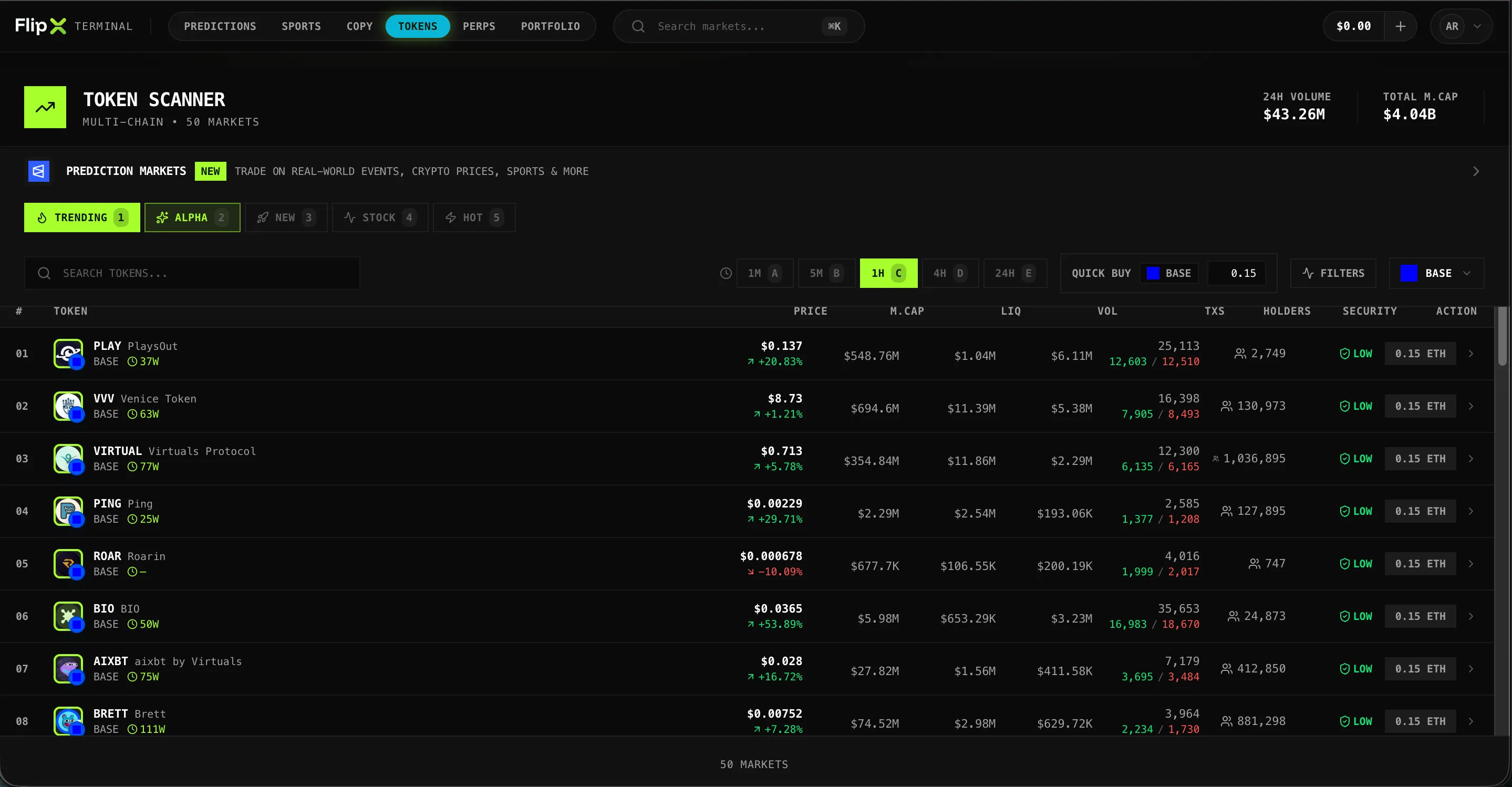
Compare strategies on a bigger screen.
Use FlipX web when you want more room to compare vaults, review return profiles, and monitor allocations over time without losing the same product flow.